Open source · Windows 11 · Microsoft Store
One image, every monitor, lined up to the millimetre
A free Windows tool that splits one image across monitors of different sizes. It measures them in millimetres, not pixels. Mismatched sizes, resolutions, pixel densities: the picture still lines up across the gap.

An example
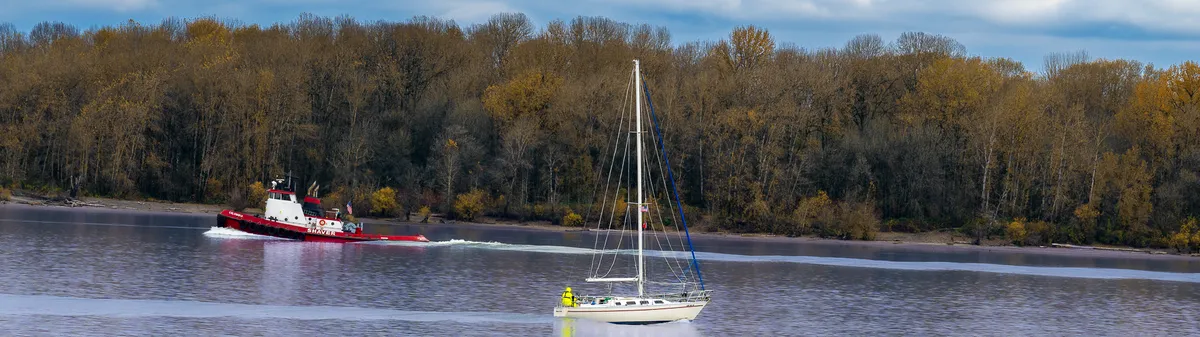
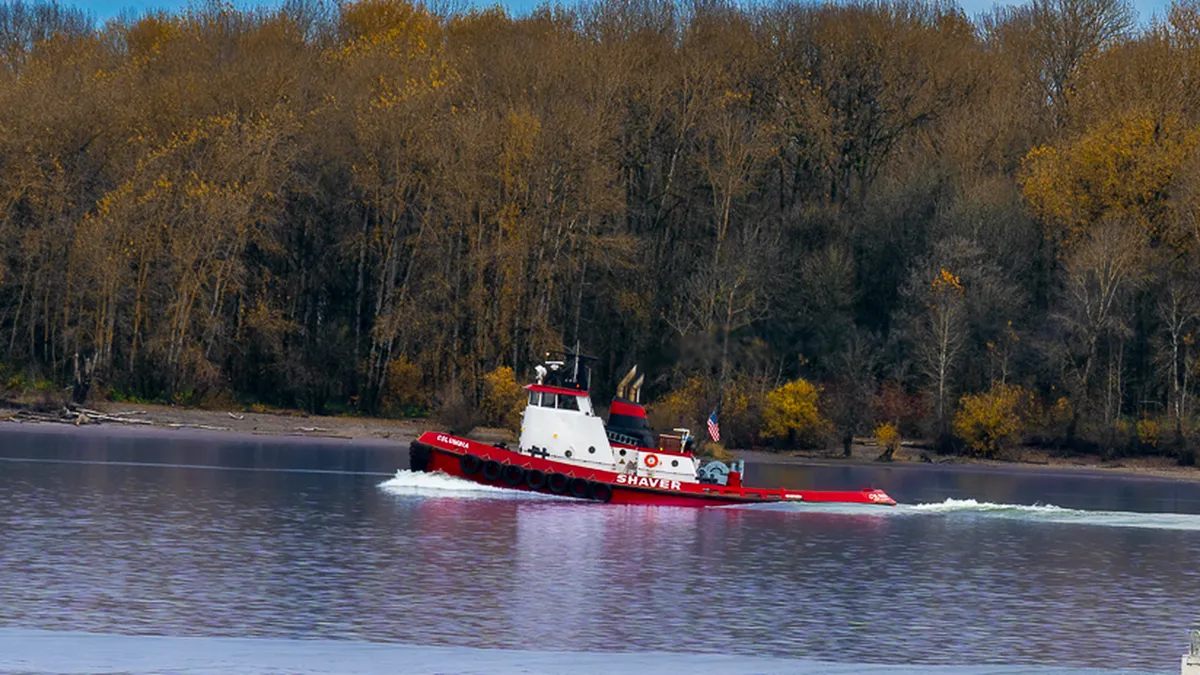
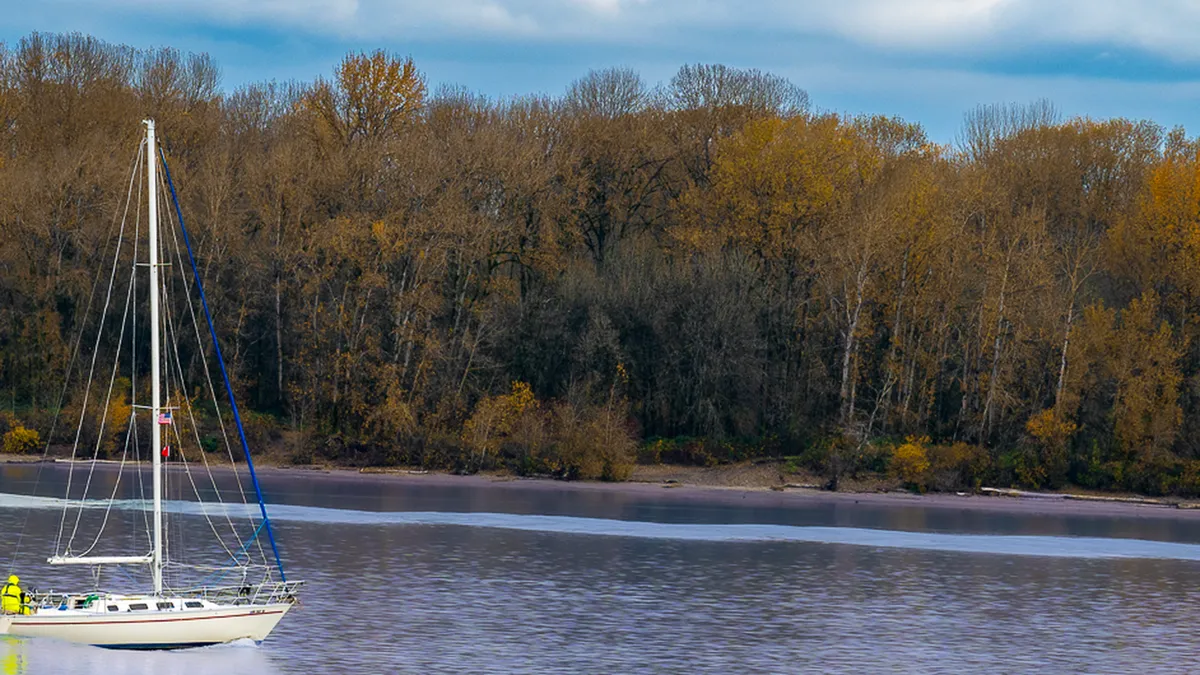
Here's a wide river panorama split for a 28-inch and a 32-inch 4K monitor, side by side. Each file is 3840 × 2160. They're cut so the boats sit where they'd be if the two screens were one sheet of glass.
How it works
Open an image with Ctrl+O, by dragging it in, or from Recent.
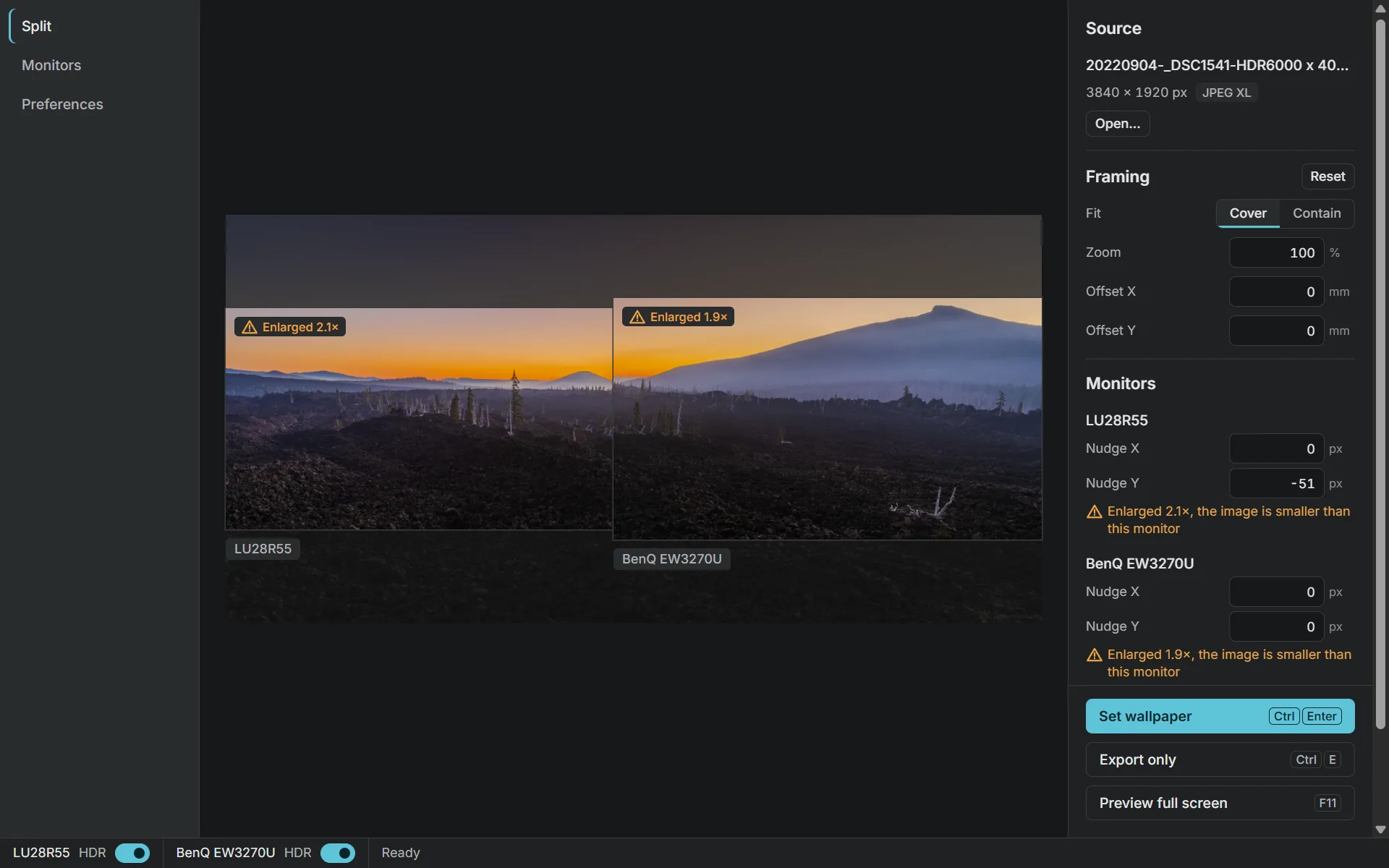
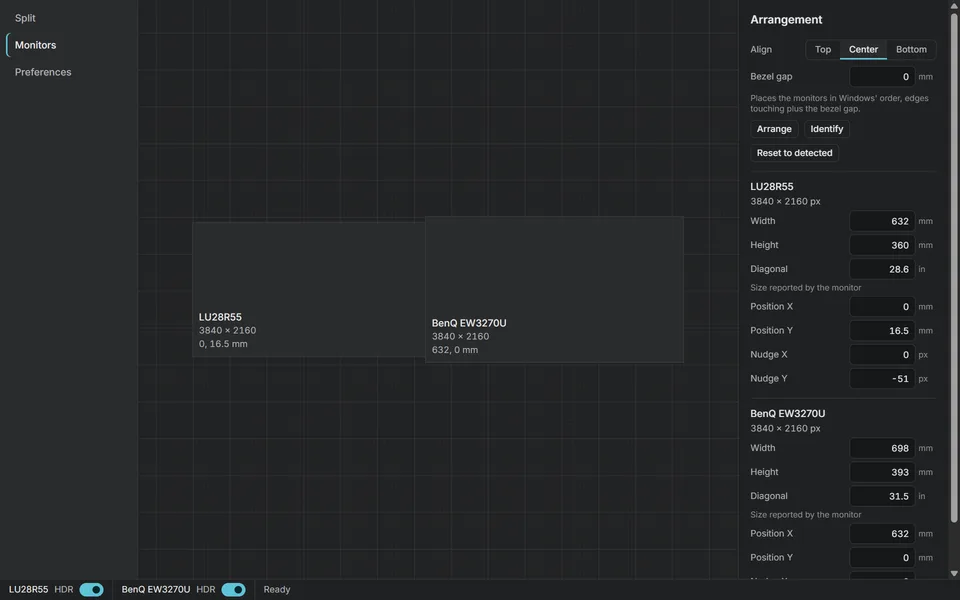
Check your monitors. Each one's drawn to scale. Fix a size by hand if it's off, set the bezel gap, and line them up top, centre or bottom.
Frame the picture. Drag to pan, scroll to zoom, then pick Cover or Contain. An amber badge tells you when the image will be enlarged.
Preview full screen with F11. Press G for a millimetre grid. If it runs straight across the bezels, you're done.
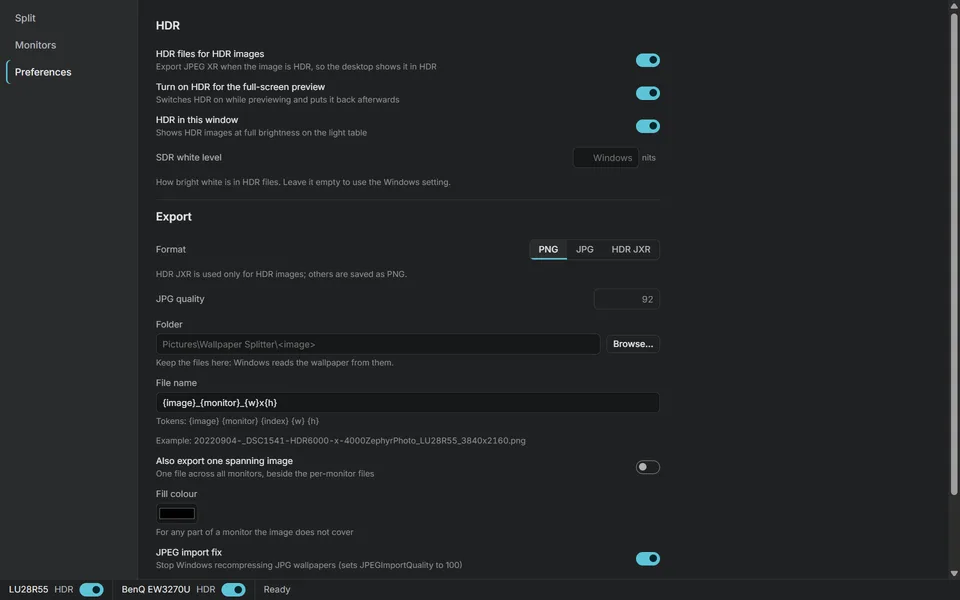
Set the wallpaper with Ctrl+Enter. It saves named files to
Pictures\Wallpaper Splitterand sets one on each monitor.
Screens
On the Microsoft Store
Wallpaper Splitter passed Microsoft Store certification on 9 November 2026. Install it from the Store and Windows keeps it up to date.
- Publisher
- Maybe LLC
- Category
- Personalization
- Age rating
- Everyone
- Price
- Free
- Signed by
- Microsoft, so no SmartScreen warning
Questions
Why does a normal wallpaper look broken across two different monitors?
Because a pixel isn't the same size on every screen. Put a 28-inch and a 32-inch 4K monitor side by side and the picture jumps at the gap. Wallpaper Splitter measures each one in millimetres, so the image carries on as if they were one window.
What if Windows reports the wrong monitor size?
Grab a tape measure, measure the visible screen, and type in the width and height. You can set the bezel gap too, and nudge each monitor's picture a pixel at a time.
Which image formats can it open?
Lightroom's HDR exports (Ultra HDR JPEG, AVIF, JPEG XL), 16-bit PNG and TIFF, and everyday JPG, PNG and WebP. It saves PNG or JPG, or HDR JPEG XR when the source is HDR.
Microsoft Store or the portable exe?
Either. The Microsoft Store version installs and updates like any Store app, and Microsoft signs it, so Windows doesn't warn you. The portable exe on GitHub needs no installer, but it isn't code-signed, so SmartScreen may complain the first time you run it.
Is it free?
Yes. It's open source under the MIT licence.